
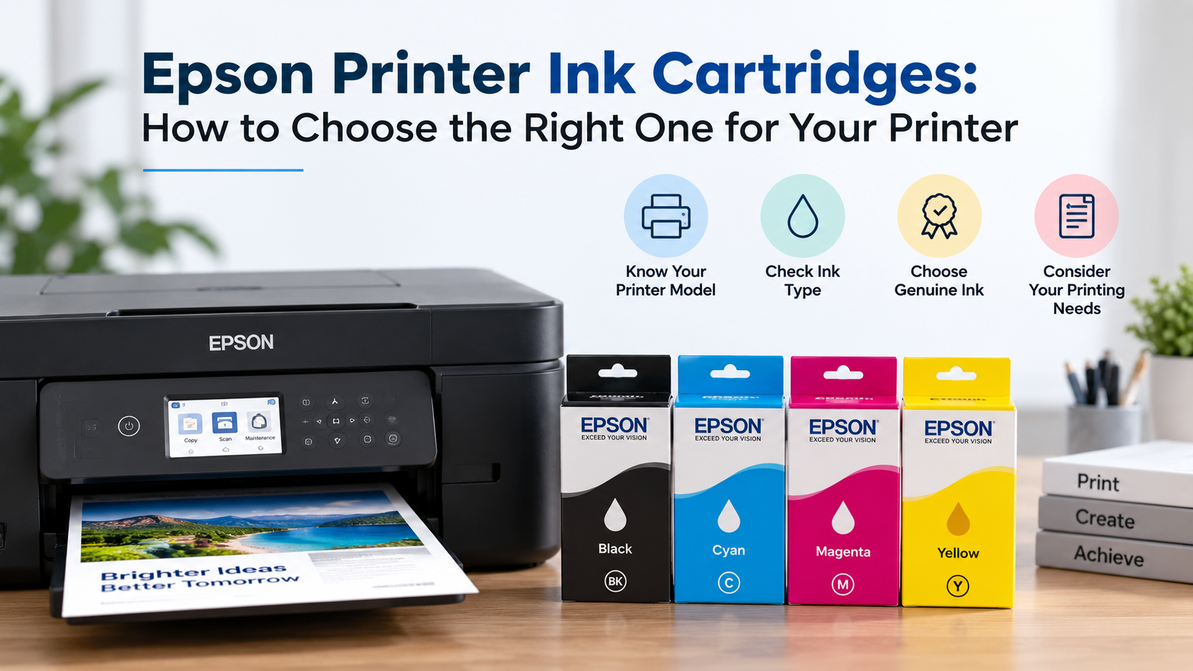
Epson Printer Ink Cartridges: How to Choose the Right One for Your Printer
You go to print something simple, an invoice, a boarding pass, whatever, and the printer just stops. Ink light blinking. You grab a cartridge you bought a while back thinking it'll fit, and it doesn't even click into place. Sound familiar?
Epson makes a lot of printers, and shopping for Epson printer ink cartridges isn't as simple as "one size fits most." Below is basically everything worth knowing before you buy, without the fluff.
Why Buying Epson Printer Ink Cartridges Trips People Up
Two reasons, mainly.
First, Epson runs dozens of printer lines at once, each with its own cartridge series. A number that works in one model won't work in another, even if the printers came out the same year and look nearly identical on a shelf.
Second, part of Epson's lineup doesn't use cartridges at all. The EcoTank series and a few other "supertank" printers run on refillable ink bottles instead. Mix those two categories up (easy to do, they're often listed under the same "Epson ink" heading on retail sites) and you'll order something that flat out won't work in your machine.
Step One: Find Your Cartridge Number
Open the ink compartment on your printer and pull out whatever cartridge is currently installed, even if it's empty. The number is printed directly on it. Something like 288, 212, 702, or T812, depending on your printer.
That number is what you search for. Not the printer name, not "black ink," the actual cartridge number. If you don't have an old cartridge to check, look for a sticker on the printer itself, usually near the front panel or tucked inside the paper tray.
Step Two: Confirm You Actually Need Cartridges
Before ordering, check if your printer has a small window on the front showing colored liquid levels. If it does, that's a tank system, not a cartridge system, and you need refill bottles instead. This one detail causes more wrong orders than almost anything else on this list, so it's worth thirty seconds to double check.
Step Three: Standard or High-Capacity
Once you know the right series, most listings split into standard and high-capacity (sometimes labeled XL). Same cartridge, more ink packed in.
- Print occasionally? Standard usually makes sense, no reason to pay extra for volume you won't use.
- Print daily or run a busy office? High-capacity almost always wins on cost per page, even though it costs more upfront.
Quick example: a $14 standard cartridge good for roughly 175 pages can end up pricier per page than a $24 high-capacity cartridge good for 500. Don't judge by the sticker alone.
Step Four: Individual Cartridges or Combo Packs
Some Epson printers let you replace one color at a time. Others bundle several colors into a single pack, and a few models combine every color into one cartridge entirely.
If your printer takes individual cartridges, only replace what's actually low. Black usually runs out first for most people, so buying a full set every time is often unnecessary. Combo packs suit anyone whose colors tend to run dry around the same time, or who'd rather not track four separate ink levels.
Genuine vs. Compatible Epson Printer Ink Cartridges: Which One Actually Makes Sense
Genuine cartridges are built specifically for Epson's print heads and firmware, which is part of why color output tends to be more consistent. Epson printers are also known for being particular about recognizing ink that isn't genuine, sometimes throwing warnings or limiting print quality until you switch back.
Compatible cartridges cost less and work fine plenty of the time, but quality varies a lot between manufacturers, and Epson's stricter about accepting them than some other brands. If you buy compatible, buy from a supplier that'll actually stand behind the product, not an anonymous listing with zero accountability.
For photos or anything color-sensitive, genuine is the safer call. For routine document printing, a reputable compatible cartridge can be a reasonable way to cut cost, assuming your specific printer accepts it.
Small Details That Save You a Headache Later
A handful of things worth checking before you check out on any listing for Epson printer ink cartridges:
- Look for an "install by" or expiration date on the listing. Ink that's sat too long can dry out or clog the print head.
- Check for the small chip on the cartridge that reports ink levels to the printer. Cheap compatible cartridges sometimes use a low-quality version that misreads and triggers false "empty" warnings.
- Running multiple Epson printers in one office? Keep a simple list of which model takes which cartridge number. It prevents the same wrong order from happening more than once.
Buying From T3RS
We carry genuine OEM Epson printer ink cartridges across most of Epson's current and older printer lines, searchable by either printer model or cartridge number. Stock levels shown on our site reflect what's actually sitting in our warehouse in Rancho Cordova, California, not a placeholder badge.
We're ISO certified, and a certified California small business. Businesses ordering Epson printer ink cartridges across several printers can set up accounts with recurring orders and purchase order support, and we also run ink and toner recycling programs so used cartridges don't just pile up.
To be upfront: Epson products we sell come without Epson's manufacturer warranty, and we're not an authorized Epson reseller. What you get is genuine, new OEM ink, fairly priced, backed by our own support and return process.
FAQ
How do I know which cartridge fits my printer?
Check the number printed on the cartridge currently in your printer, or look up the model number on the printer itself if you don't have one on hand.
Does my Epson use cartridges or bottles?
Check for a small ink-level window on the front of the printer. If you see one, it's a tank system, and you need bottles, not cartridges.
Is high-capacity ink worth paying more for?
For anyone printing regularly, usually yes. Cost per page tends to drop even though the upfront price is higher.
Can I use compatible ink in an Epson printer?
Often, yes, though Epson can be strict about recognizing non-genuine cartridges. Stick with a supplier you trust if you go this route.
Why does my printer say the cartridge isn't recognized?
Usually a compatible cartridge not communicating properly with the printer's chip reader, or a genuine cartridge that's seated slightly wrong. Reseat it before assuming it's defective.
Does ink expire?
Not exactly, but it can lose quality or dry out if it sits too long, particularly once opened. Buying from a supplier with regular turnover lowers that risk.
Do you offer bulk pricing for businesses?
Yes, ask directly about account pricing and purchase order support if you're managing ink for multiple printers or an office.
Get the Right Ink the First Time
Stop guessing and skip the returns. Browse genuine Epson printer ink cartridges at T3RS by model or cartridge number and check real stock before you order.
Recent Posts
-
Samsung Printer Ink: Choosing the Right Toner for Your Printer
If your Samsung printer has suddenly started producing pale text, uneven graphics, or documents that …20th Oct 2026 -
Dell Laser Printer Cartridges: How to Choose the Right Toner
At some point, every office using a Dell laser printer has to replace the toner. The printer may hav …18th Oct 2026 -
MFP M283fdw Toner – Compatible & Quality Cartridges
The HP Color LaserJet Pro MFP M283fdw is designed for offices that need more than basic printing. Th …14th Oct 2026